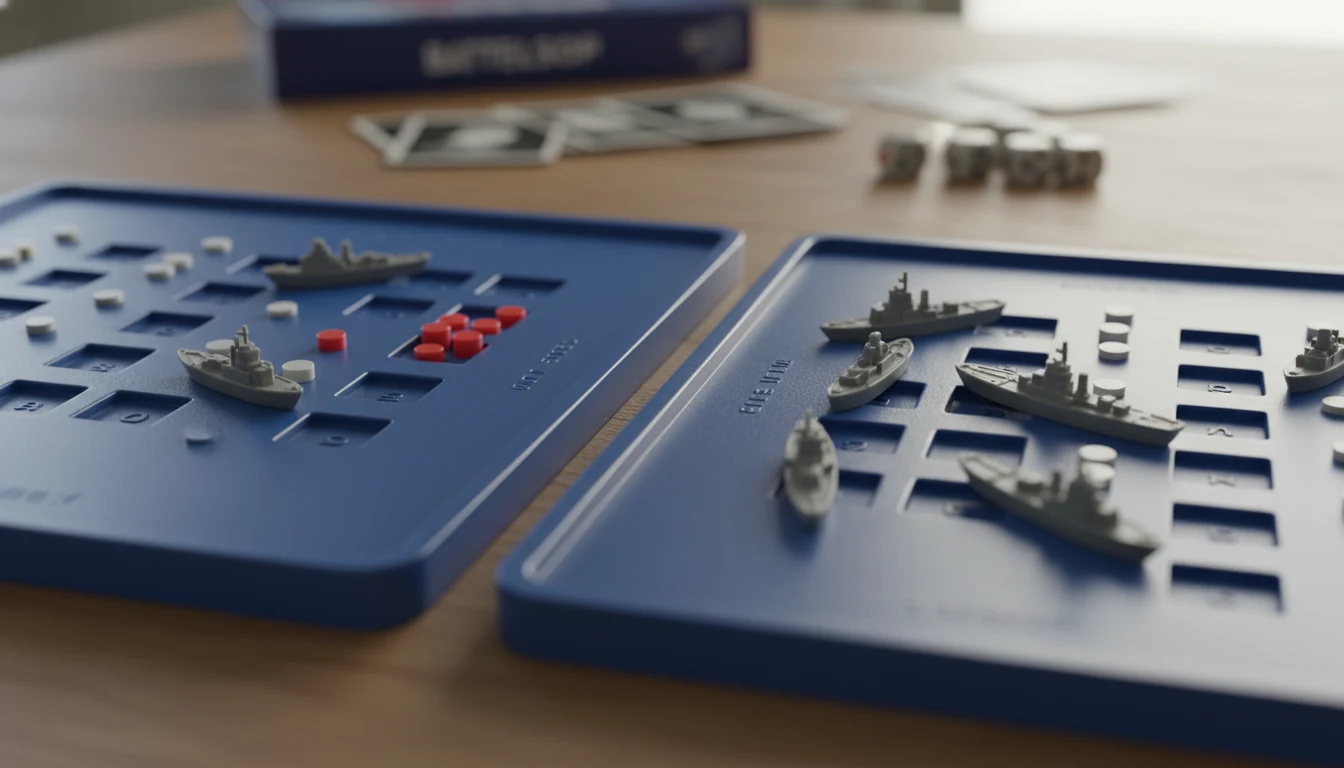
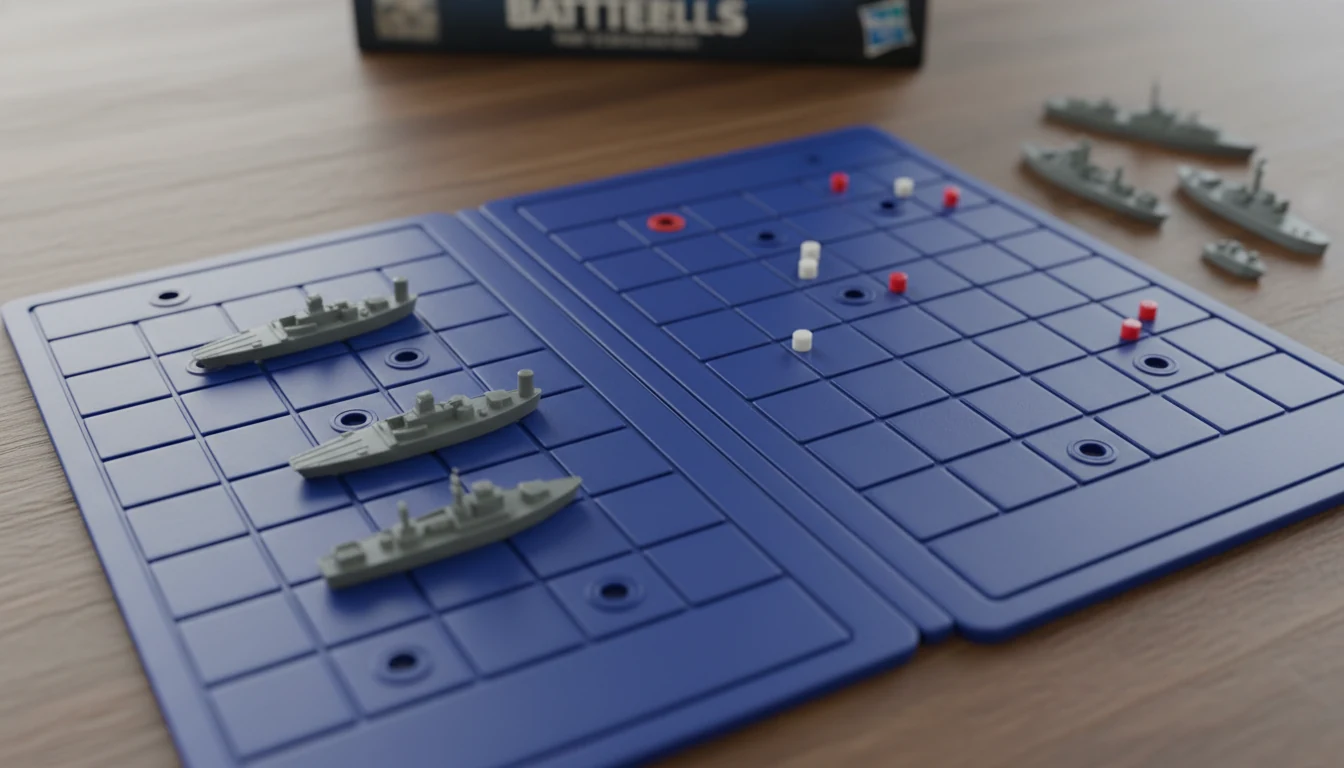
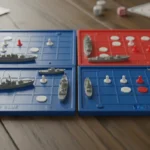
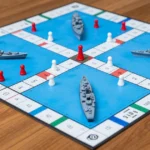
According to the rules governing the setup of the fleet, each ship must occupy a number of consecutive squares on the grid, arranged either horizontally or vertically. The ships cannot overlap, meaning only one ship can occupy any given square in the grid, and they cannot be placed diagonally (Wikipedia, Battleship).
Step-by-Step
Step 1: Select your fleet of warships.
Step 2: Choose a grid orientation (horizontal or vertical) for each ship.
Step 3: Place ships on consecutive squares without overlapping any other ship.
Step 4: Ensure no ships are placed in a diagonal pattern.
Step 5: Confirm all ships are hidden from the opponent's sight.
Example Play Situation
Alice places her Carrier horizontally across the top row. Bob attempts to place his Destroyer diagonally through the corner of Alice's Carrier. However, since ships cannot overlap or be placed diagonally, Bob must reposition his Destroyer to follow the grid lines.
House Rules
[HOUSE RULE] Some players use a 'moving ship' variant where a player can relocate one ship to a new, uncalled location every fourth or fifth move.
Common Misconceptions
Ships can be placed diagonally to maximize space
Two ships can share the same coordinate square
Ships can be placed in any orientation including diagonal
Quick Reference
You Can
You Cannot
Place ships horizontally along grid lines
Do not overlap two different ships
Place ships vertically along grid lines
Do not place ships diagonally
Ensure ships occupy consecutive squares
Do not allow an opponent to see your ship positions
Frequently Asked Questions
What is the official rule for ship placement in Battleship?
Ships must be placed horizontally or vertically on consecutive squares without overlapping.
Is it allowed to place two ships on the same square?
No, only one ship can occupy any given square in the grid.
Can I place my ships diagonally to save space?
No, the rules strictly prohibit diagonal placement.
What if my ships overlap during setup?
The setup is invalid; ships must occupy unique, non-overlapping squares.